

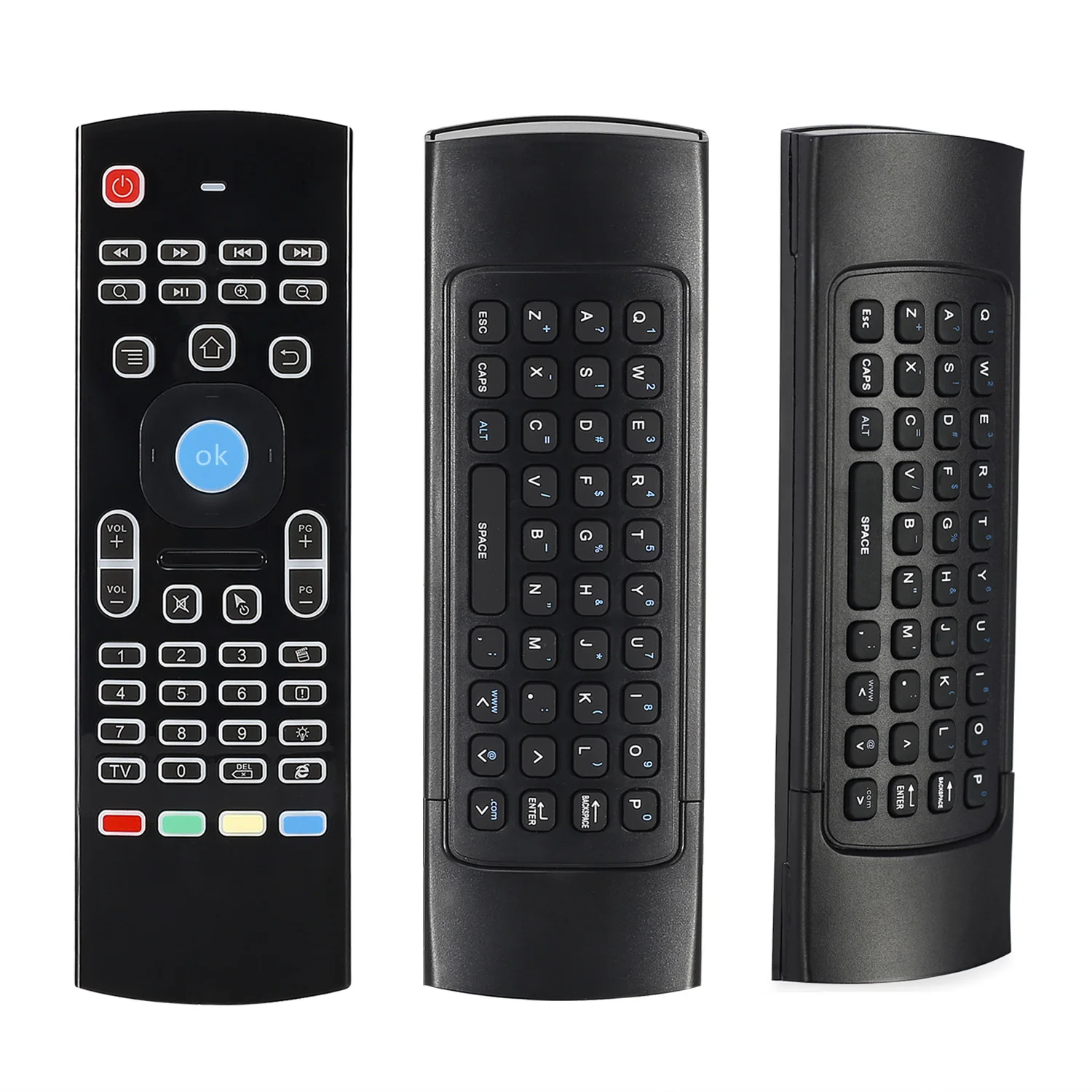
TV Remote
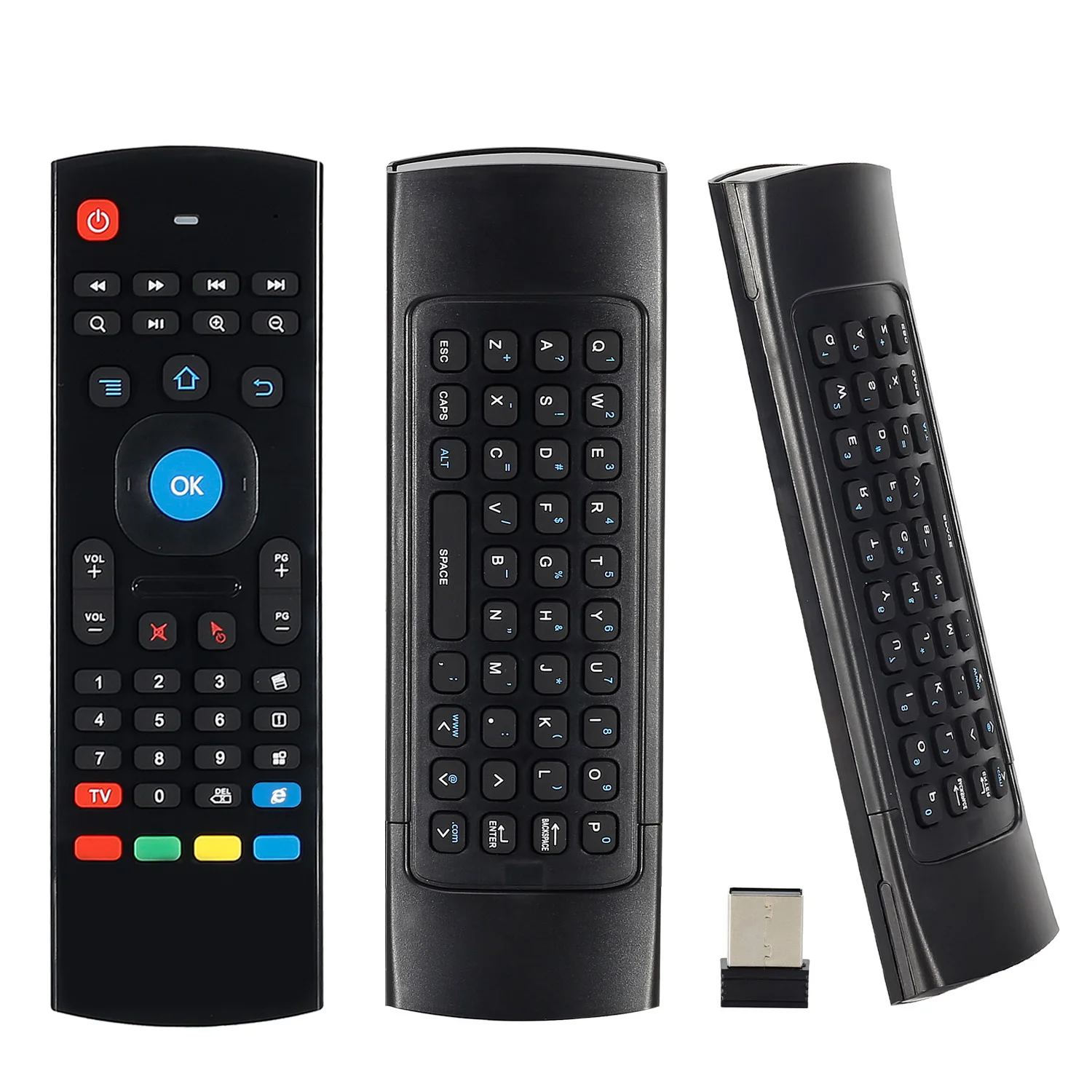
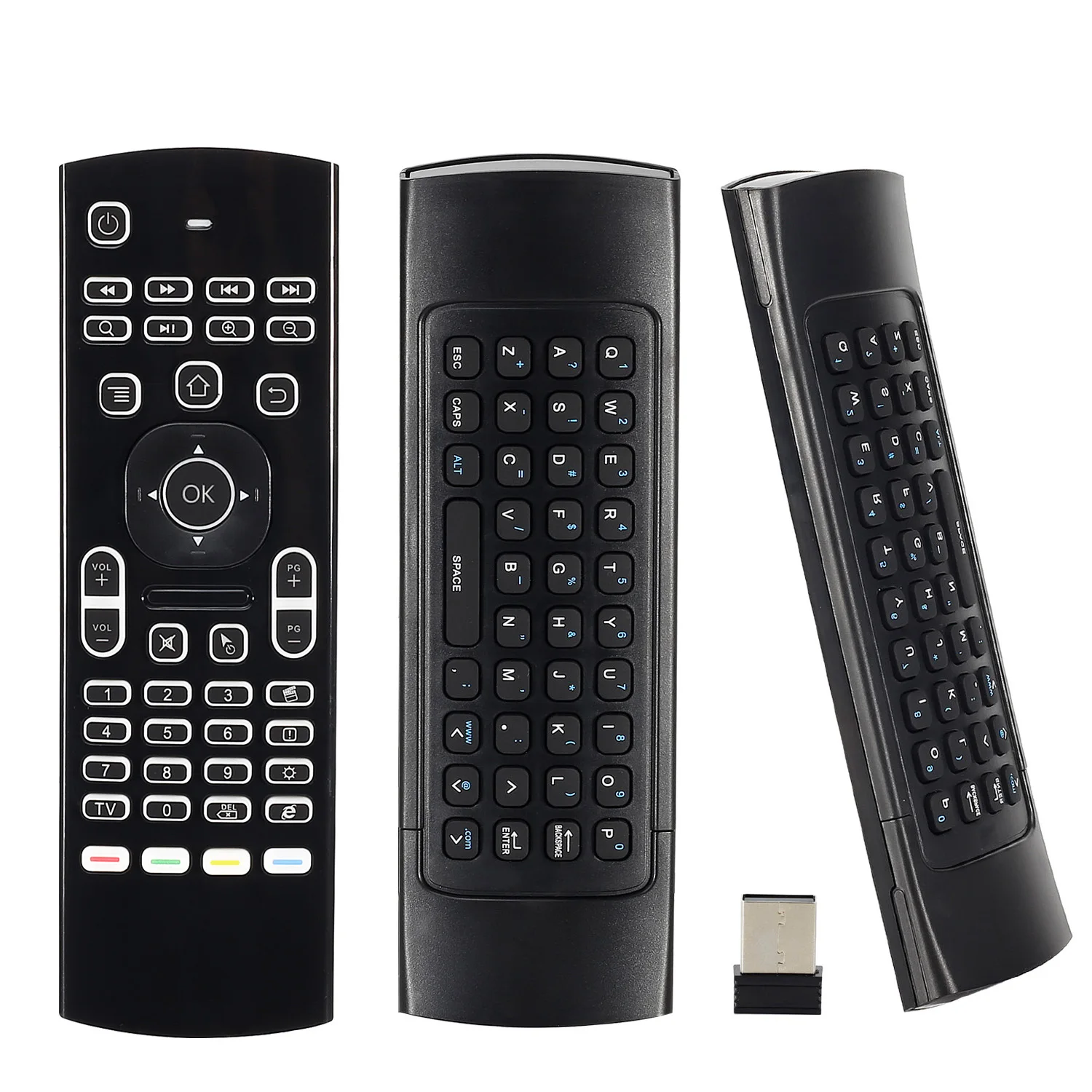
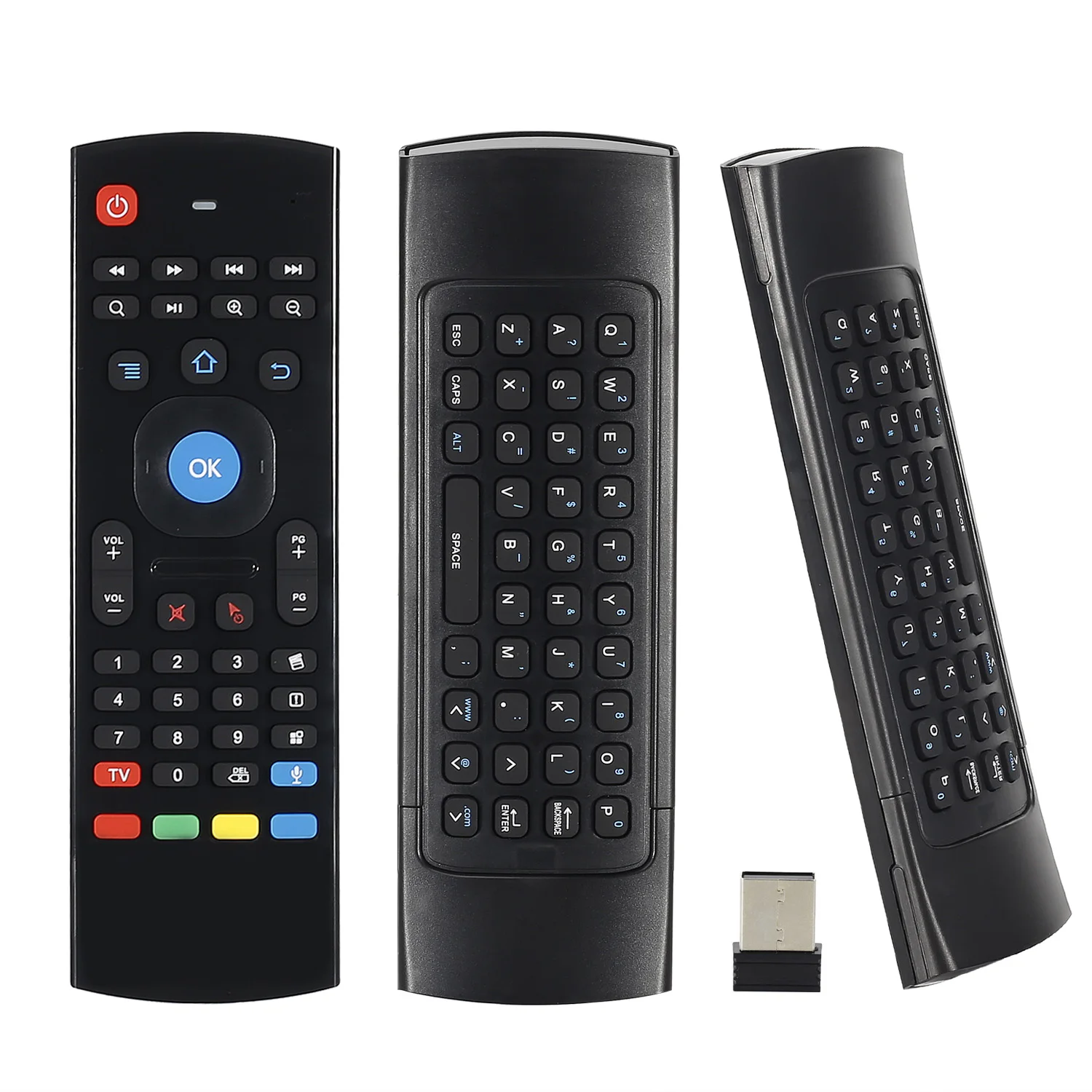
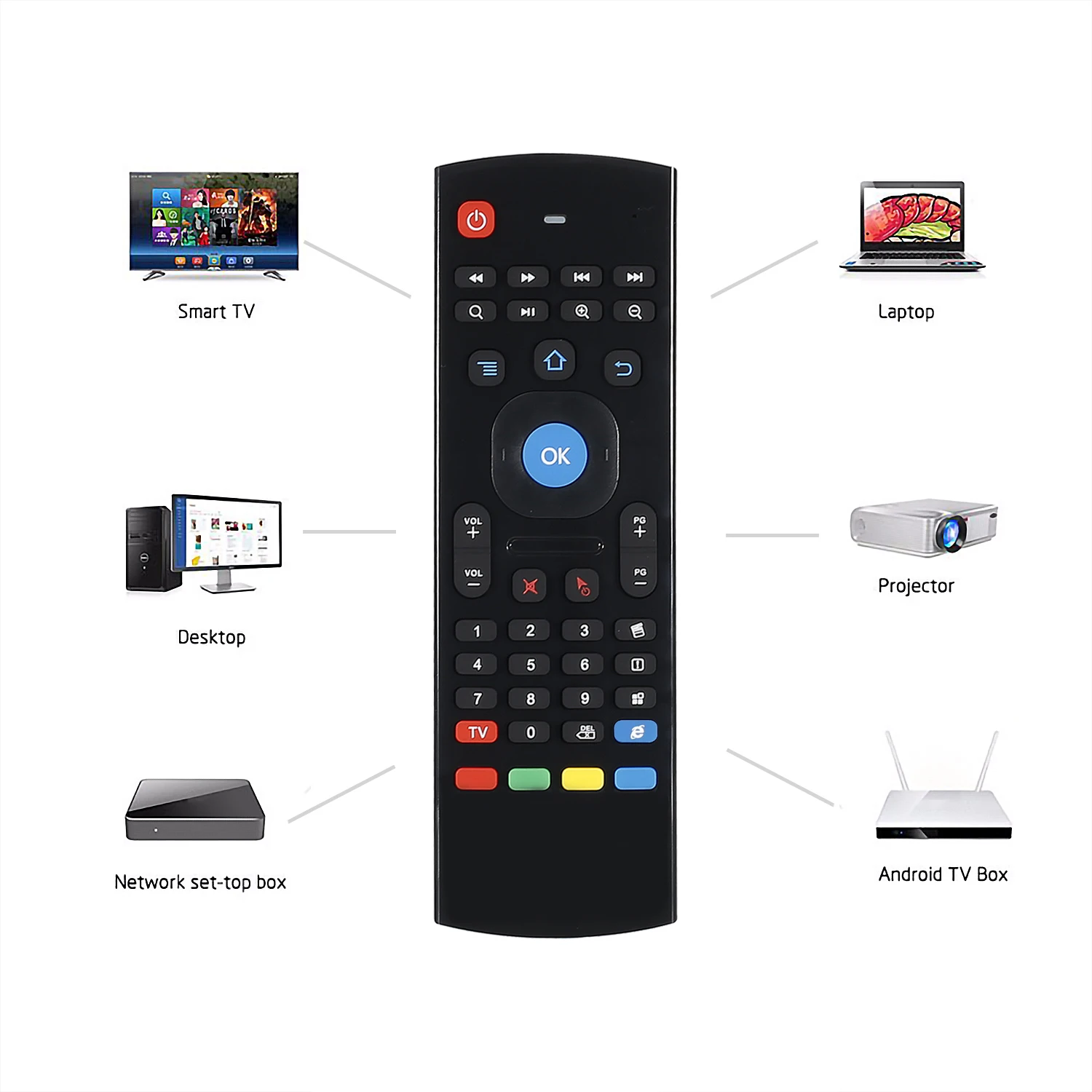
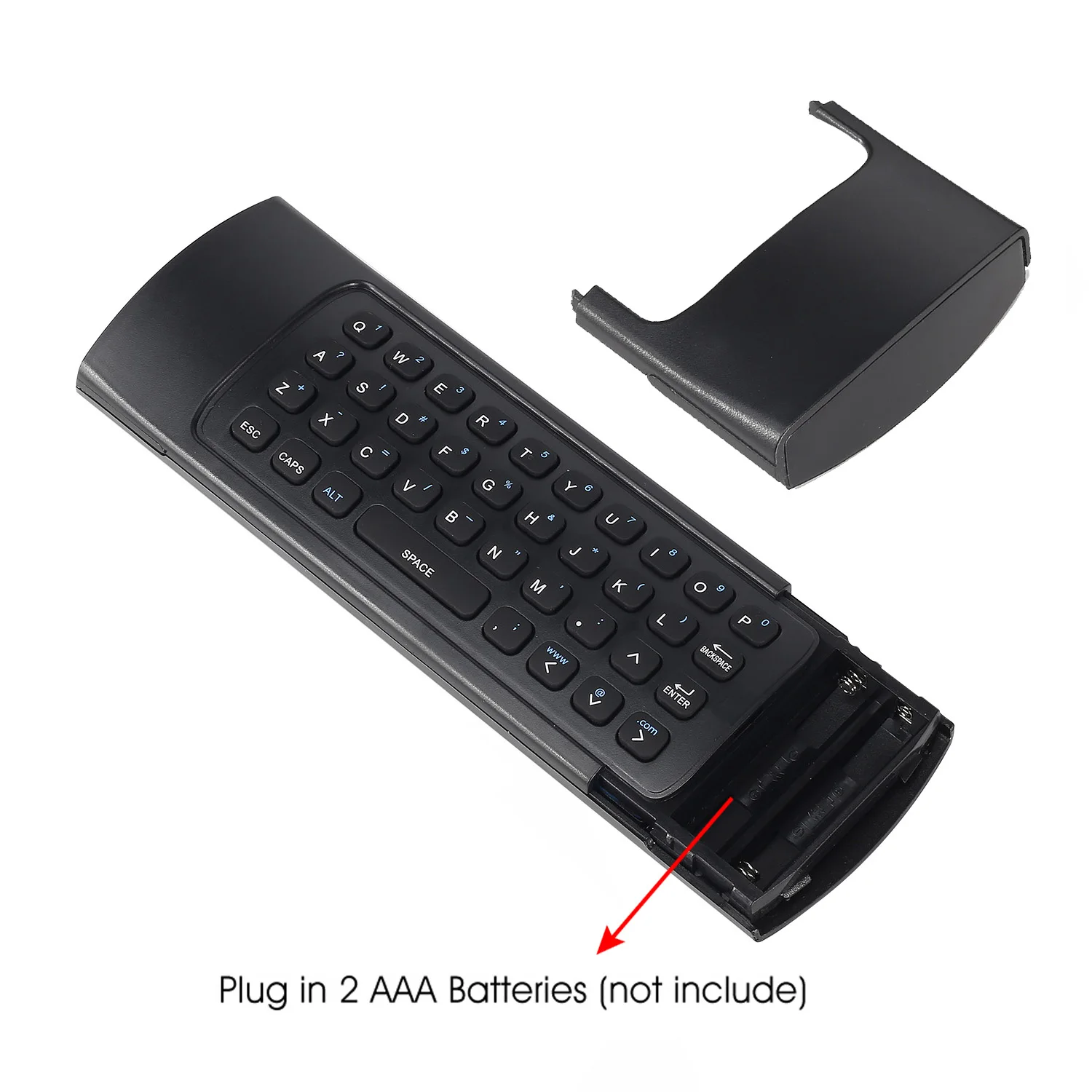
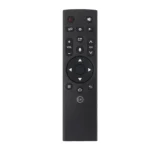
TV Remote Control MX3 Backlit Air Mouse T3 for Smart Voice
TV Remote Control MX3 Backlit Air Mouse T3 for Smart Voice
Price range: $26.99 through $32.99
Systerm Support
1. Android OS
2. Mac OS
3. Linux
4. Windows
IR learning function
There are 5 buttons which could be programmed to your TV remote keys:
1. Power button -Locate the top left corner
2. 4colors buttons-Locate the bottom
Note: Please check if your TV remote supports the NEC protocol for learning.
IR learning operation as the following steps
1. Pointing IR emitters of the TV remote and the air mouse to each other ,
2. Press and hold the TV key on the remote 4-5s until the LED flash slowly,
3. When you see the LED flashing slowly ,press the key on your TV remote to learn,
4. When the remote receiver the IR signal,the LED will be solid.
5. The 5 keys could learn following the step 1-4,
6. Press the TV button to finish the learning process.
Specification
1) Transmission and control: 2.4 G RF wireless radio-frequency technique;
2) Sensor: 3-Gyro + 3-Gsensor;
3) The key number:81 keys;
4) Control distance: >5m;
5) Battery Type: AAA*2(not included)
6) Working Power: Less than 10mA in the work condition;
7) Material: Plastic and silicone;
8) Weight: About 100g.
Package including
1 * MX3 air mouse
1 * USB Wireless Receiver
1 * User Manual
Caution!!!
Let’s talk about IR learing, on the bottom of this keyboard have 4 IR learning keys. As some customer response to us it not works correctly. Kindly remind that if you have this problem, pls press TV + DEL key to reset the keyboard. And then follow the manual to use IR learning.


 <img src="//ae01.alic
Based on 0 reviews
Be the first to review “TV Remote Control MX3 Backlit Air Mouse T3 for Smart Voice”
You must be logged in to post a review.
Related products
Brands Carousel
Acer

Apple
Asus
Dell
Gionee
HP
HTC
IBM
Lenova
LG
Micromax
Microsoft
There are no reviews yet.